Workshop Retreat on my mind…

I am getting ready for a painting retreat led by New Zealand artist Jane Zusters. Just as I am thinking of doing oils I think I will be doing acrylics at the retreat. Real media looming after all these digital images and work with the printer.

I am so “self taught” it is weird to go into a space where I will have a teacher. I am enjoying it so far, even though it is still four days away. What is useful is to get advice on materials, options, possibilities. I am going on another shopping spree tomorrow for media! What a blast.

Transition

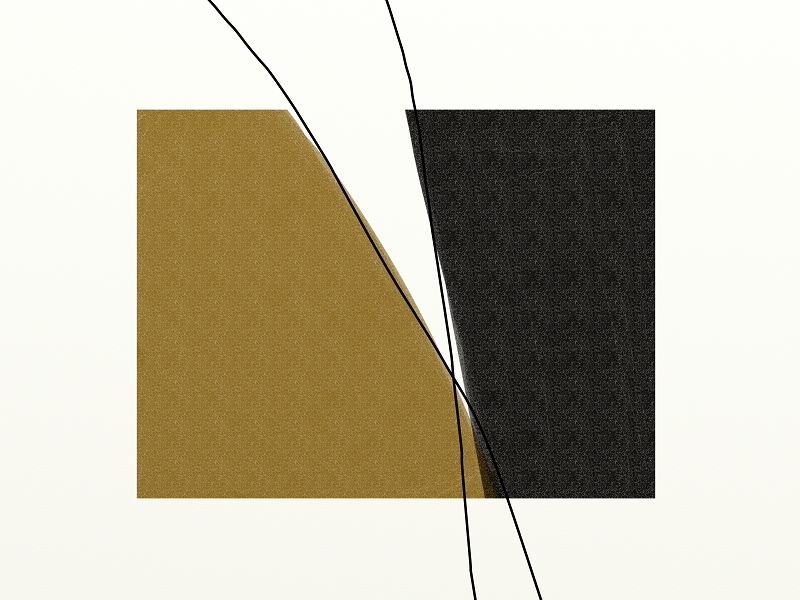
I popped in a few casual doodles a few days ago. They appeal more now when I look at them after having had six days tramping. It is the time in the hills that confirmed the landscape project. Now I can see those few doodles as real transition pieces from one project to the next. Look at this one, I don’t think I posted it yet. Looks like a nice sort of bookend to me.

(Later: I had posted it but it did not show??)


Transition
Larger Image.

This reminds me of a story I heard that John Badcock, between series or projects does a self portrait as Christ, makes sense to me.

PS: John Badcock mentioned in Thousand Sketches here and here and here.

Landscapes

North Canterbury

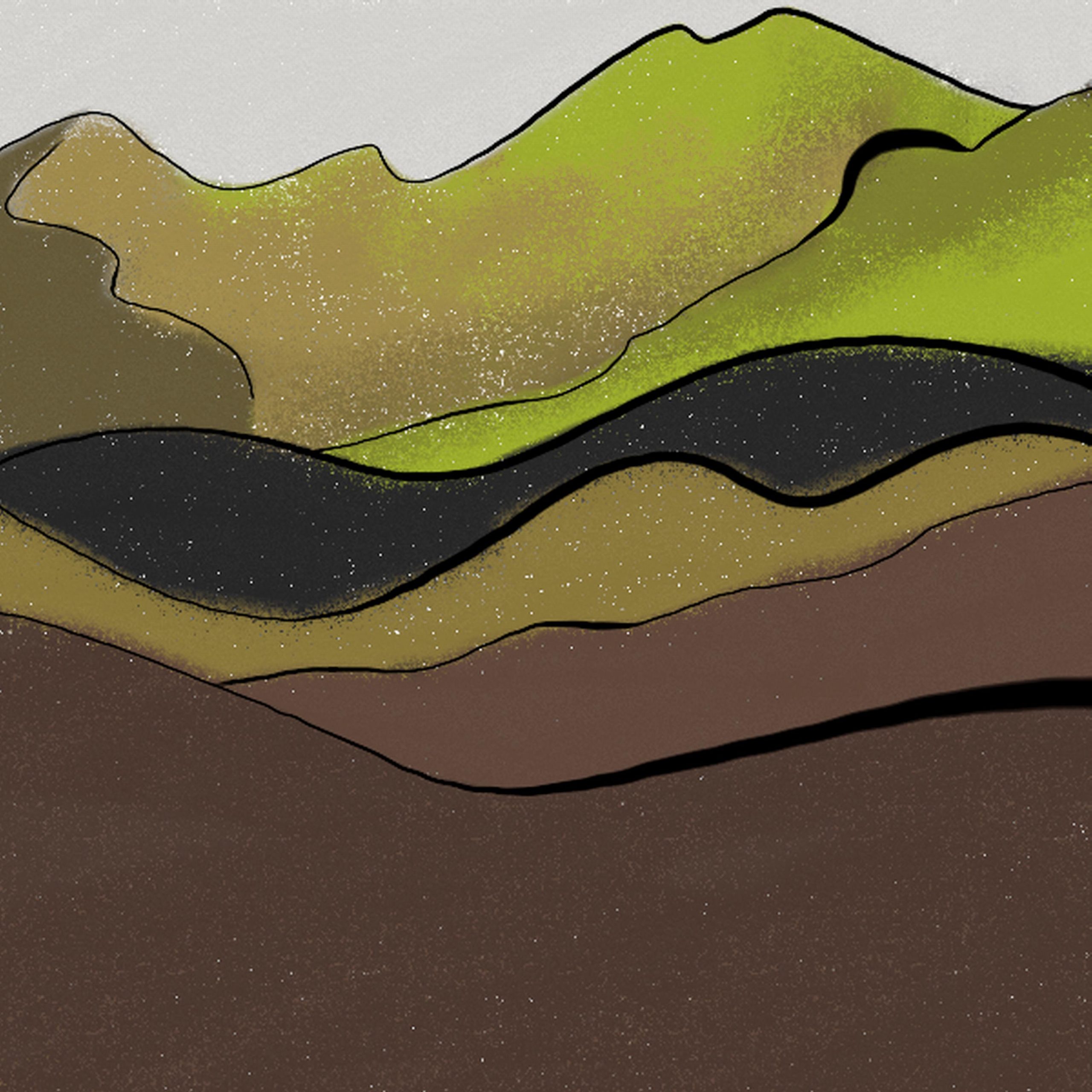
A new project. Landscapes. Unsure as ever but need to follow this. As in the Earth Crosses the starting point is Thousand Sketches. One or two are coming straight over as part of the new series, but mostly I am redoing old ones and making new ones. I want to find about a dozen I like.

Some new aspects I am noticing. The calligraphic lines, all of them in this series. while digital, will have this, I am pursuing this. The other new thing is that I will use these sketches to make oils. I will post them as I do them but on the whole I’d like to present a selected set of them, digital images and corresponding oils.

What I like is that via the blog the unity of the work is maintained. These images can “phone home”.

I wrote this to a friend who commented on my work:

“The whole cyberspace side of it is important to me, I think it will impact art more and more. The objects, even when one off and in paint etc, can have a ‘virtual life’ as well, they can forever be linked to the artists words and to other items in the project or series… books & letters did it occasionally, but it was complex, hit and miss. I think it is a significant step in this era. So I am glad you noticed that aspect of the work.”

Cyberculture Site

RCCS: Introducing Cyberculture

Looking Backwards, Looking Forward: Cyberculture Studies 1990-2000

© David Silver, Media Studies, University of San Francisco

Originally published in Web.studies: Rewiring Media Studies for the Digital Age, edited by David Gauntlett (Oxford University Press, 2000): 19-30.

While still an emerging field of scholarship, the study of cyberculture flourished throughout the last half of the 1990s, as witnessed in the countless monographs and anthologies published by both academic and popular presses, and the growing number of papers and panels presented at scholarly conferences from across the disciplines and around the world. Significantly, the field of study has developed, formed, reformed, and transformed, adding new topics and theories when needed, testing new methods when applicable.

Pentimento, nice word

Pentimento – Wikipedia, the free encyclopedia

A pentimento (plural pentimenti) is an alteration in a painting, evidenced by traces of previous work, showing that the artist has changed his mind as to the composition during the process of painting. The word derives from the Italian pentirsi, meaning to repent.

Mine don’t show the traces but I repent, repent, repent.

Here is one I like and just tweaked:

What follows is the previous saved version.

Continue reading “Pentimento, nice word”

Software for drawing on the Tablet PC

I get asked from time to time what software I use. So here is a post to sum that up, I have done it before but it is out of date. Starting with what I use most. I can take images from one program to another, either whole or as layers.

ArtRage 2.5

It is my favorite because it has a good interface, and it can do a lot really well. It has some features no other programs have, or if they have them they are too hard to find or use.

ACDsee 4.

For some “post production” such as lightening or darkening images, changing the hue.

Corel Paint X

Very versatile, I can usually get the exact pen I want, and love discovering new ones.

Picasa

Other post-production. It can do some nice things like straighten & tilt.


Photoshop

It can do everything, I use it for printing.

Paint

This is the MS free one that comes with Windows. It is quick for text, and bucket fill.

~

I have tried lots of others but these ones are the most stable. ArtRage has never crashed my machine, and all the others have. I have spent a lot on software, but the $25 for ArtRage 2 was the best value for money by a long shot.

Of course it is all personal preference, it depends on what you know and what you do.